Braw Naturals Sections
On our dedicated sales event features page, we offer a comprehensive overview of all the tools and options at your disposal. From website alterations to code snippets and schema settings, this resource provides you with the insights and guidance needed to make your sales events a resounding success. Explore how you can optimize your online presence, boost conversions, and enhance the customer shopping experience with these powerful features.
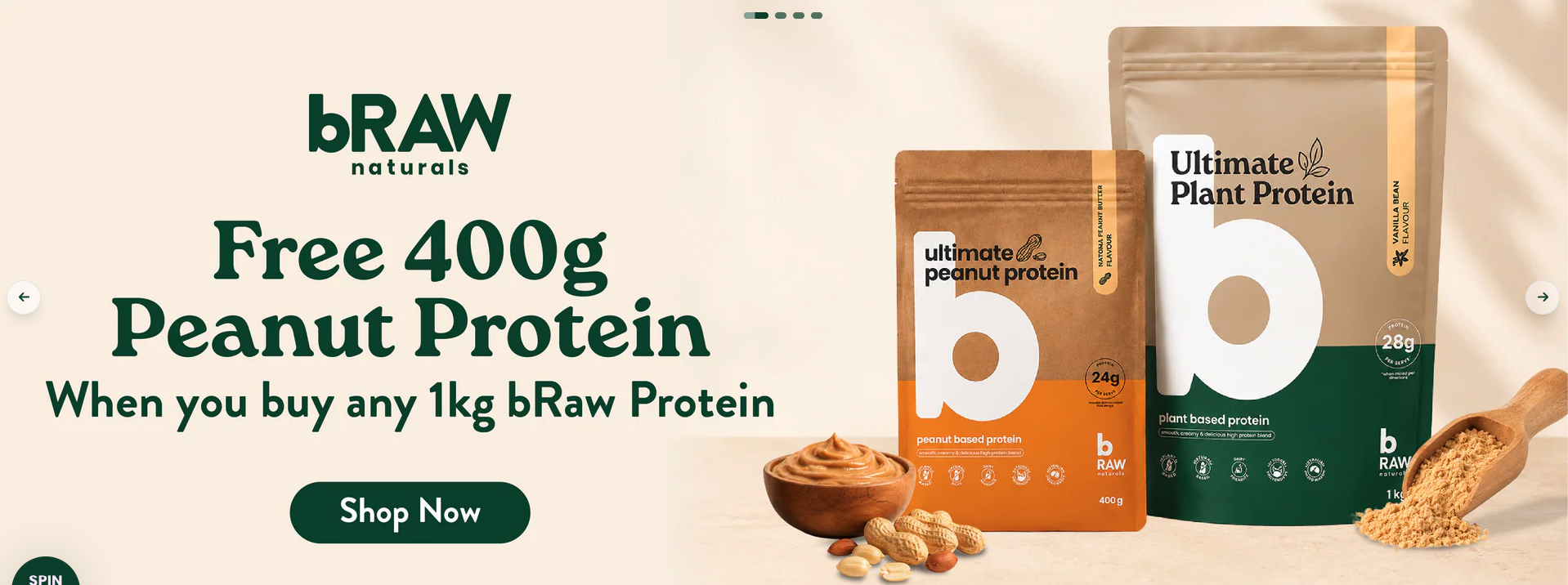
Homepage Banner
Display a prominent banner on the homepage to highlight promotions, featured collections, announcements, or key marketing messages.
Preview
Homepage Brand OneLiner
Display a short, impactful brand message to communicate your brand's identity, values, or key selling proposition.
Preview

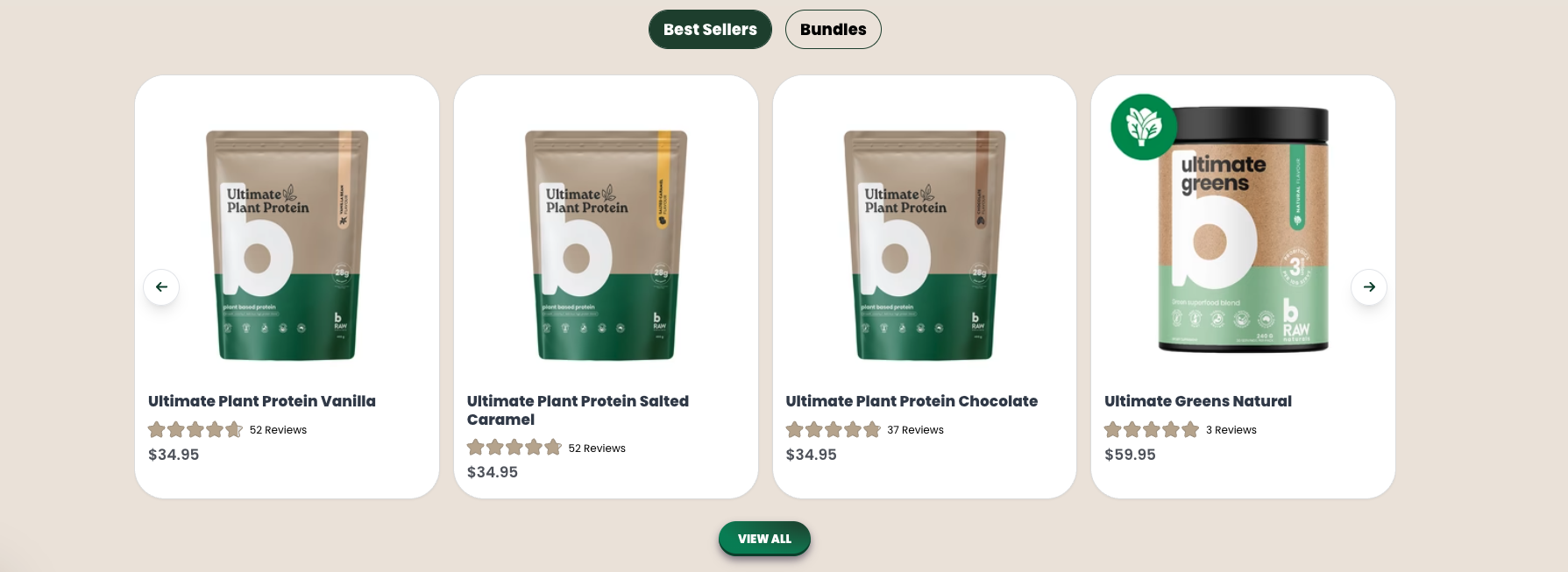
Collection Row
Showcase selected collections in a horizontal slider, making it easy for customers to browse and discover product categories.
Preview
Marquee
Display a continuously scrolling message to highlight promotions, announcements, or important information across your store.
Schema
- Name
Motion Direction- Type
- checkbox
- Description
Able to change the direction in forward and reverse order.
- Name
Colour Schema- Type
- Dropdown
- Description
Able to select the color schema for the section.
Preview

Promo Product Cards
Showcase a featured product with its key features and benefits in a visually engaging card to help drive customer interest and conversions.
Preview

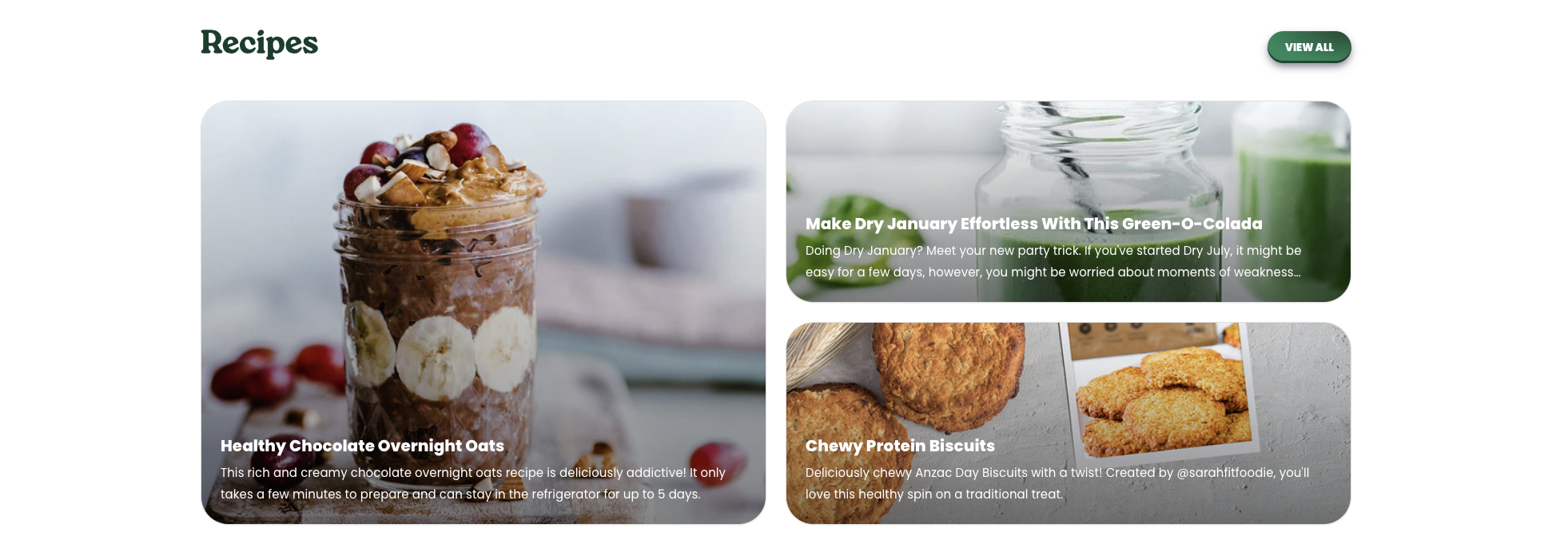
Homepage Blogs
Display recipe cards that link to recipe articles, helping customers discover delicious ways to use your products.
Schema
- Name
Background Color- Type
- Color
- Description
Able to select the background color for the section.
Preview
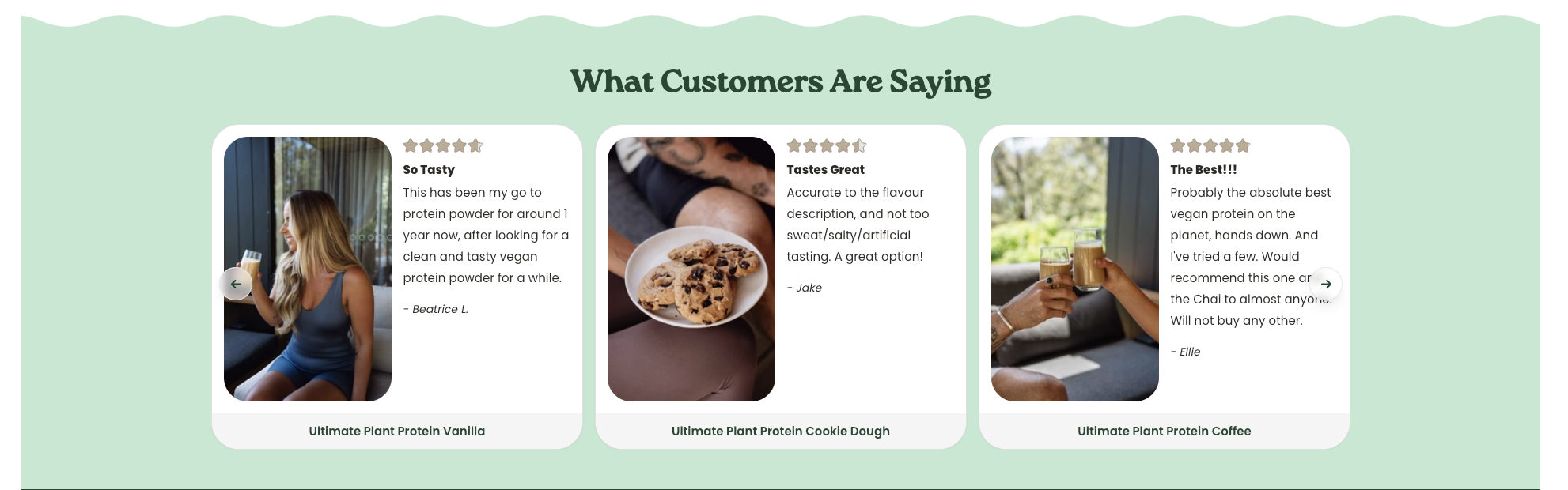
Product Reviews Slider
Showcases customer reviews for the product, highlighting feedback and experiences.
Schema
- Name
Background Colour- Type
- Color
- Description
Able to select the background color for the section.
- Name
Show Svg- Type
- Checkbox
- Description
Able to display the wave effects on the section.
- Name
Svg Color- Type
- Color
- Description
Able to select the svg color.
Preview
Trust Factors
Highlight key trust factors such as fast shipping, secure payments, quality assurance, and customer support to build confidence and encourage purchases.
Schema
- Name
Background Colour- Type
- color
- Description
Able to select the background color for the section.
Preview

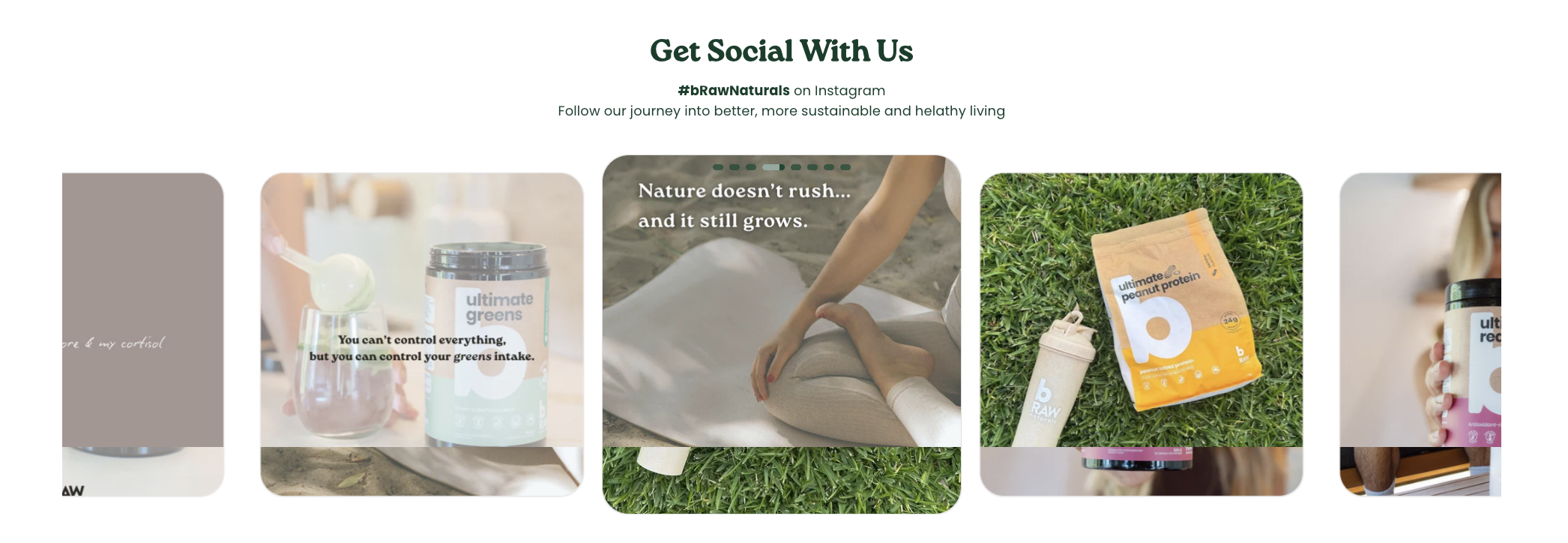
Socials Slider
Display your latest Instagram posts in a scrolling slider to showcase social content, inspire customers, and boost community engagement.
Schema
- Name
Background Colour- Type
- Color
- Description
Able to select the background color for the section.
Preview
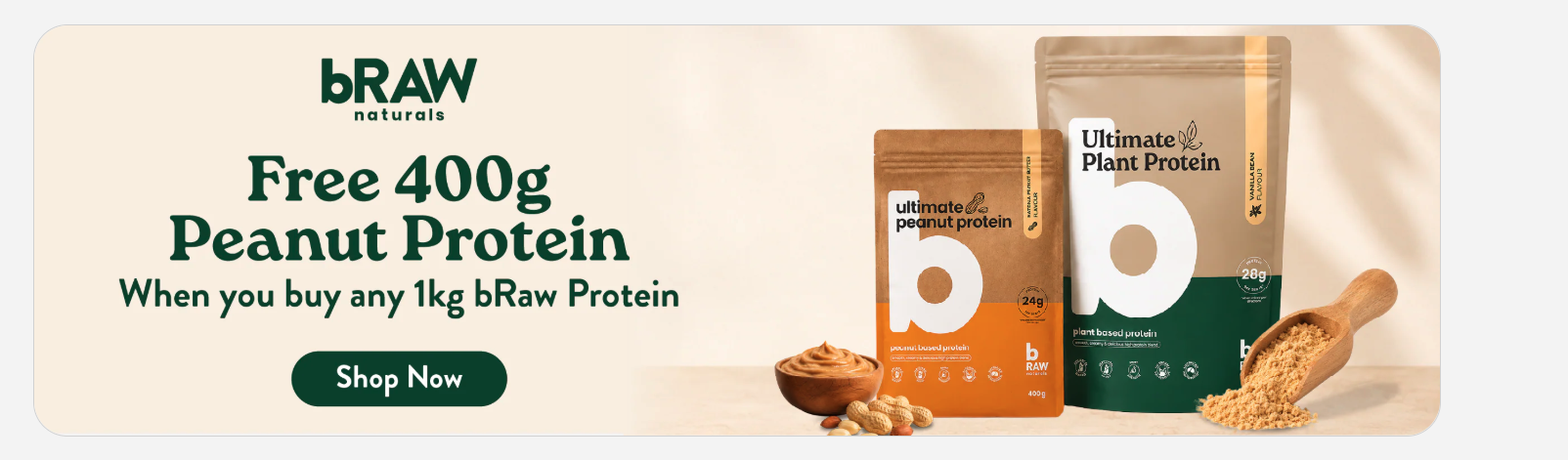
Slim Banner
Display a compact promotional banner to highlight announcements, offers, or important messages without taking up much page space.
Schema
- Name
Section Width- Type
- checkbox
- Description
Able to display the section full width or inside container.
- Name
Color Schema- Type
- Dropdown
- Description
Able to select a color schema for the section.
- Name
Show the Slimline Banner- Type
- checkbox
- Description
Able to display/ hide the section to the page.
- Name
Excluded Product Handles- Type
- text
- Description
Comma-separated list of product handles to hide this banner on the listed products page.
Preview
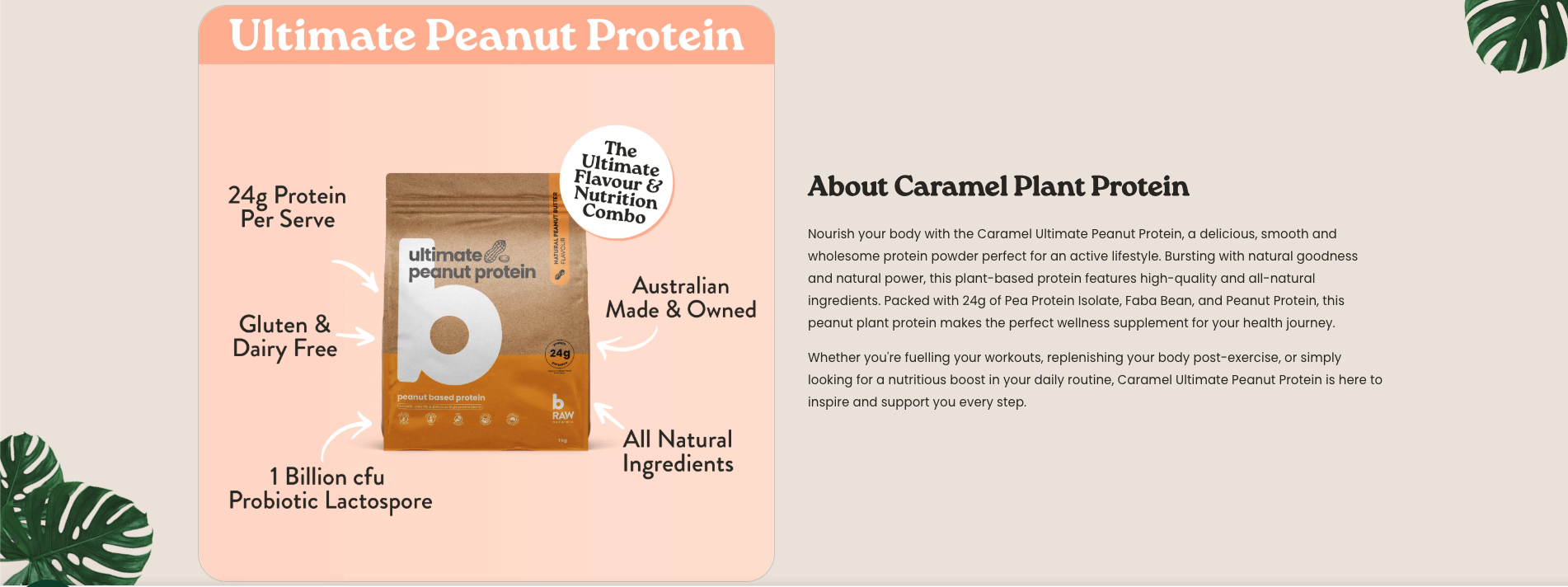
Product Key Features
Display product key features as individual images sourced from product metafields, making it easy to highlight important benefits in a visually engaging layout.
Schema
- Name
Section Width- Type
- checkbox
- Description
Able to display the section full width or inside container.
- Name
Color Schema- Type
- Dropdown
- Description
Able to select a color schema for the section.
Preview

Product Decription
Display a featured image alongside a custom product description, with both content elements managed through product metafields.
Schema
- Name
Section Width- Type
- checkbox
- Description
Able to display the section full width or inside container.
- Name
Color Schema- Type
- Dropdown
- Description
Able to select a color schema for the section.
Preview
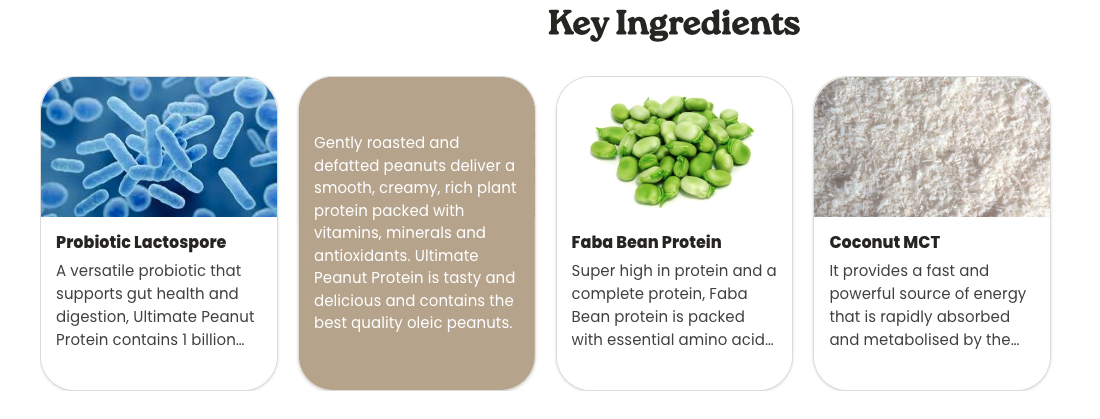
Key Ingredients
Highlight the product's main ingredients using content managed through product metafields, making it easy to showcase key components and their benefits.
Schema
- Name
Section Width- Type
- checkbox
- Description
Able to display the section full width or inside container.
- Name
Color Schema- Type
- Dropdown
- Description
Able to select a color schema for the section.
- Name
Show Svg- Type
- checkbox
- Description
Able to display the svg waves to the section.
- Name
Svg Color- Type
- color
- Description
Able to select a color for the section.
Preview
Contact Grid
Display essential brand contact information in a structured grid, including location, email, phone number, and social media links.
Schema
- Name
Background Color Schema- Type
- color
- Description
Able to select a color schema for the section.
- Name
Show Svg- Type
- checkbox
- Description
Able to display the svg waves to the section.
- Name
Svg Color- Type
- color
- Description
Able to select a color for the section.
Preview
