PharmaLabs Sections
On our dedicated sales event features page, we offer a comprehensive overview of all the tools and options at your disposal. From website alterations to code snippets and schema settings, this resource provides you with the insights and guidance needed to make your sales events a resounding success. Explore how you can optimize your online presence, boost conversions, and enhance the customer shopping experience with these powerful features.
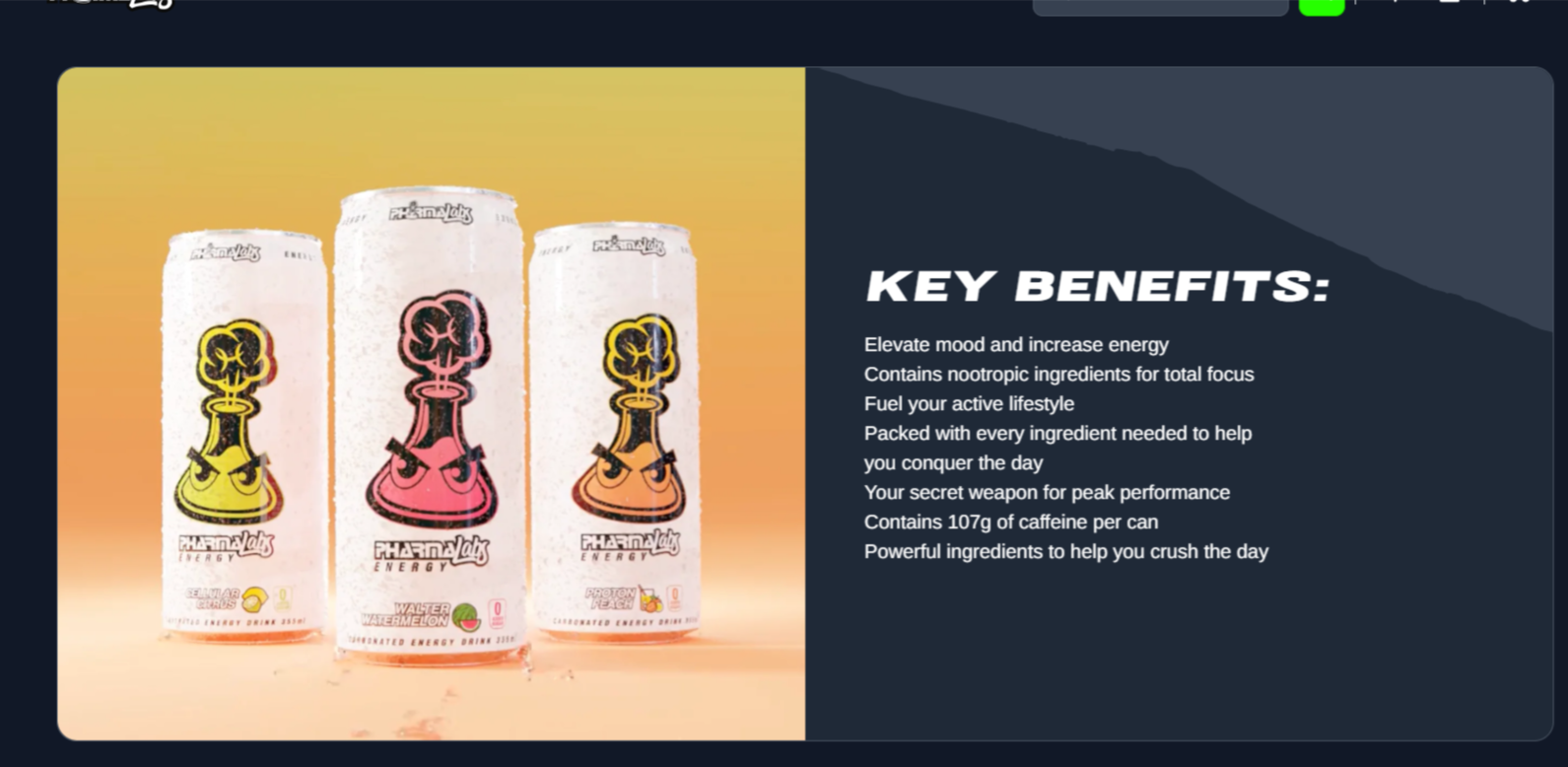
Homepage Featured Products
Homepage grids for displaying featured products.
Images
- Name
Background image- Type
- JPEG | PNG | GIF
- Description
Example image with inset wording guidelines. 900px by 900px with a 150px bleed (750px by 750px).
Preview
Homepage Category Split
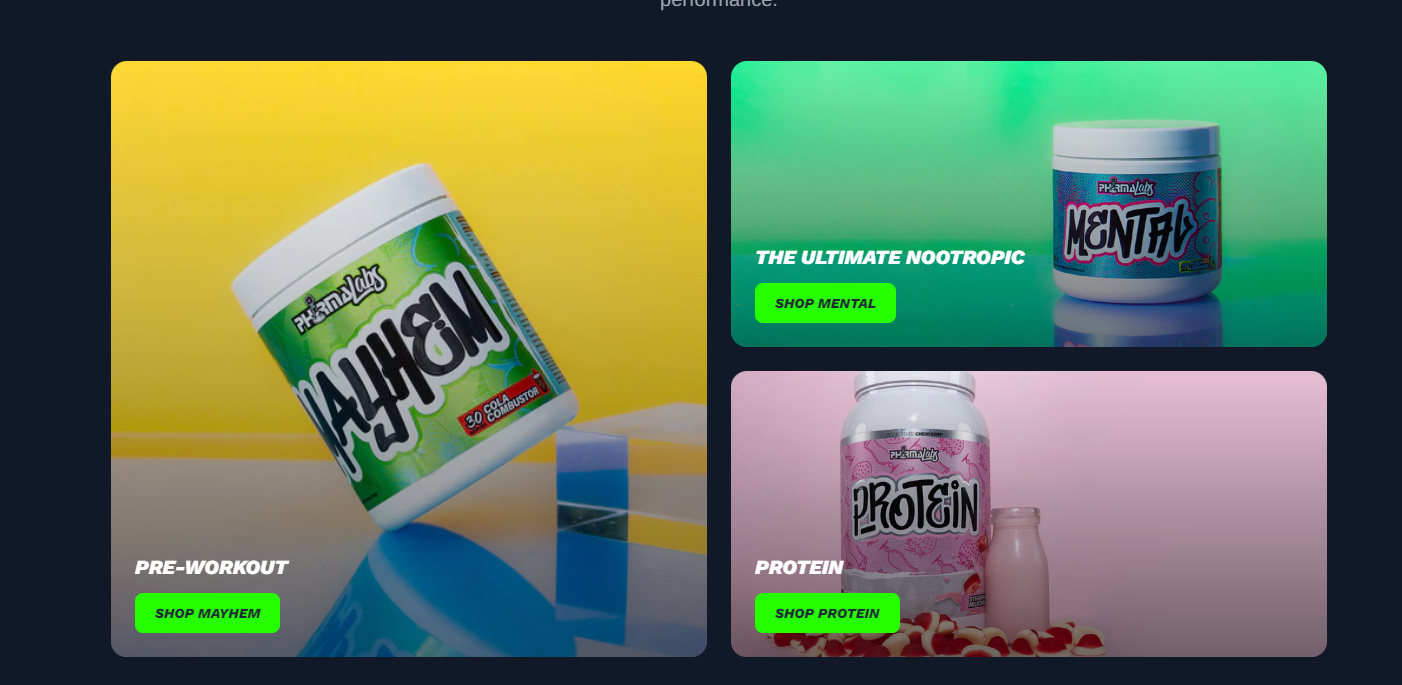
Homepage category splits for displaying the featured product/categories.
Images
- Name
Background image- Type
- JPEG | PNG | GIF
- Description
Example image with inset wording guidelines. Specs with 1280px by 1280px for desktop and 700px by 700px for mobile.
Preview
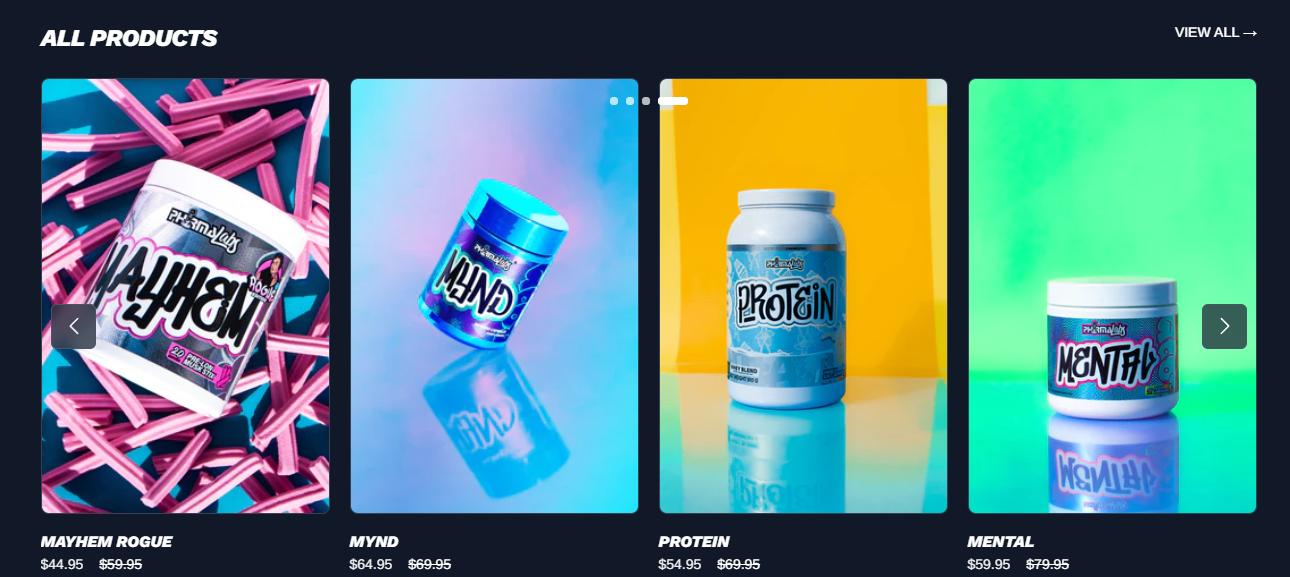
Homepage Product Slider
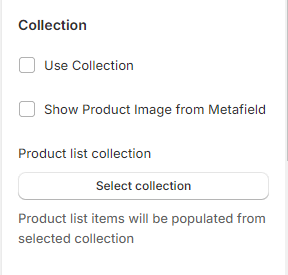
Display products within collection as a sliding row or as a grid. Can choose products from particular collection or create own lists of products. Can display a maximun of 5 products in a row using Carousel. The product card has a feature of displaying their featured image or other image from their metafield.
Section States
- Name
Use Collection- Type
- checkbox
- Description
Enable to choose the collection as a Product Slider / Lists
Schema Settings
Preview
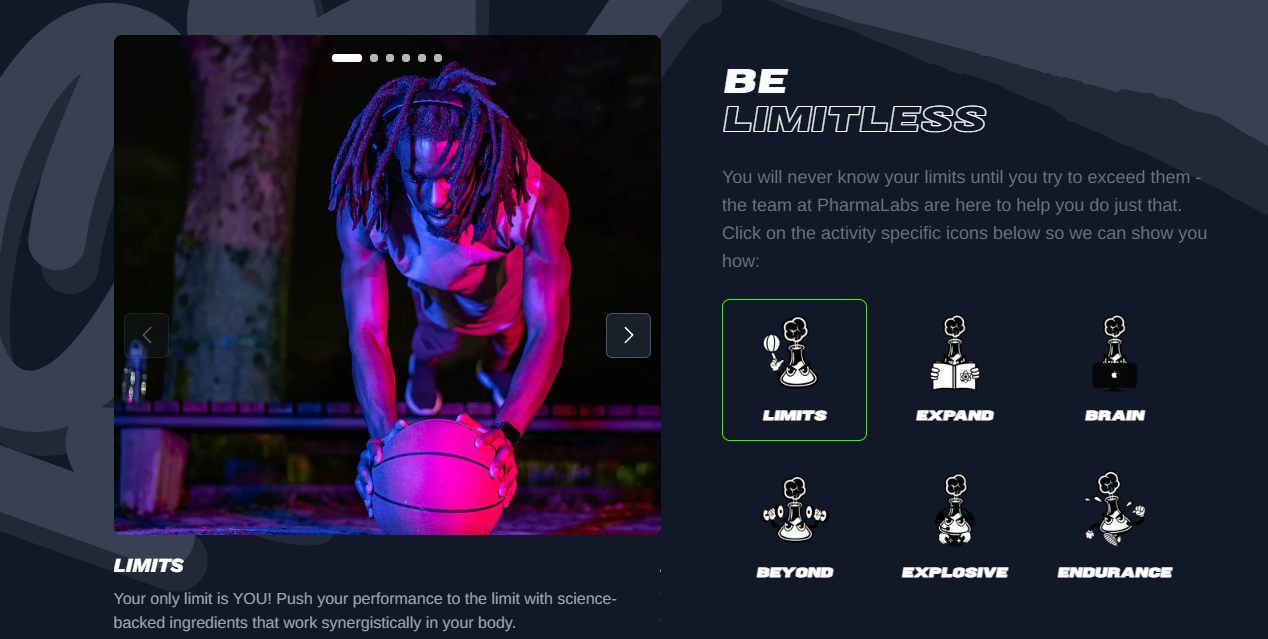
Product Benefits
All the key benefits that the product delivers are listed in a carousel.
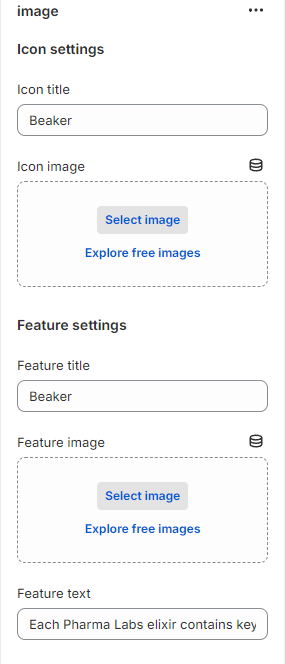
Schema Settings
Each block allows you to add the beaker image with their respective features.
Preview
Promo Image Content Section
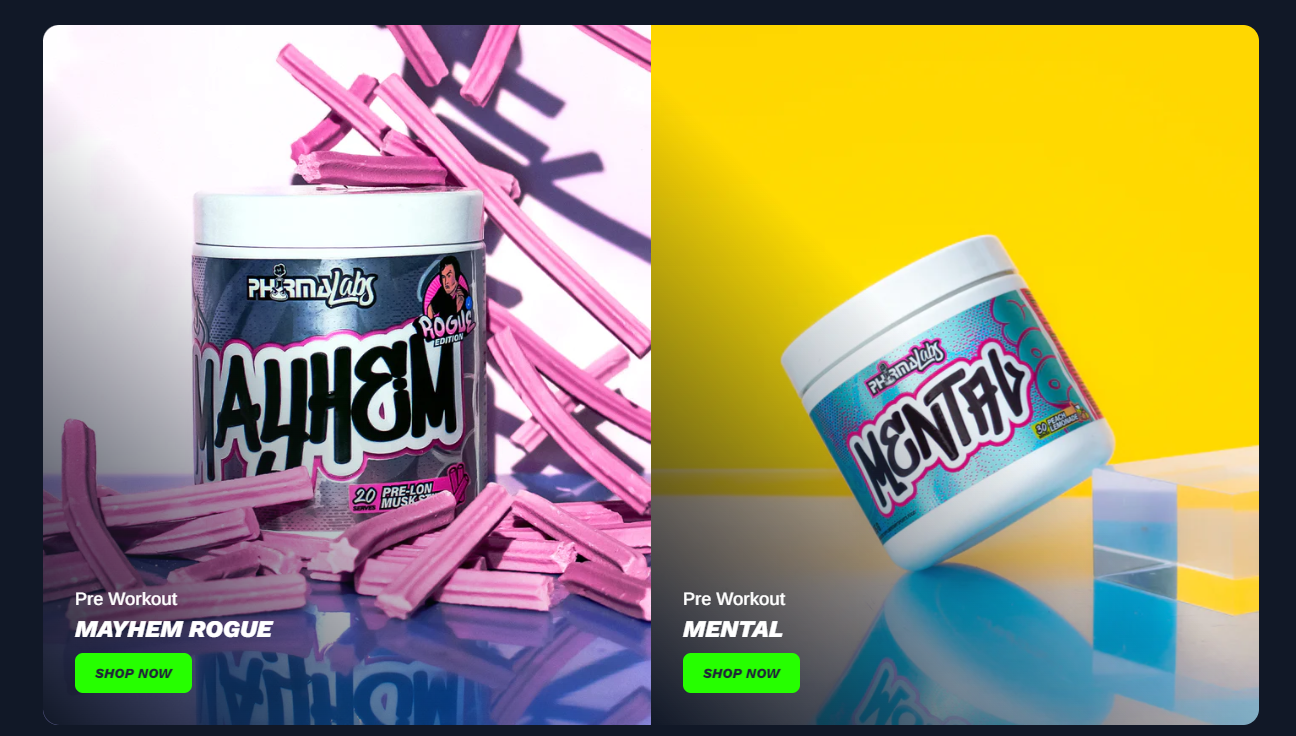
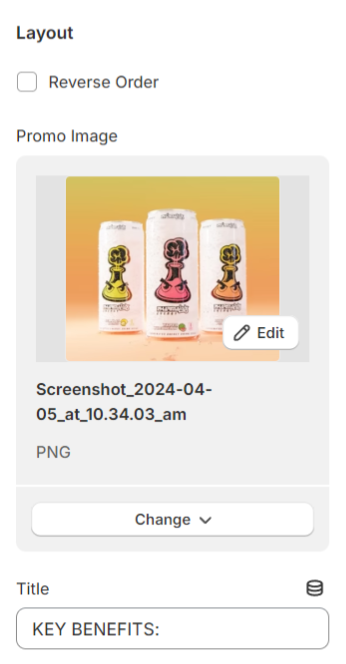
Displays the promo image with their respective content and vice versa.
Section States
- Name
Reverse Order- Type
- checkbox
- Description
Enable to reverse the image section layout.
Schema Settings
Can add the promo image with their respctive content.
Preview