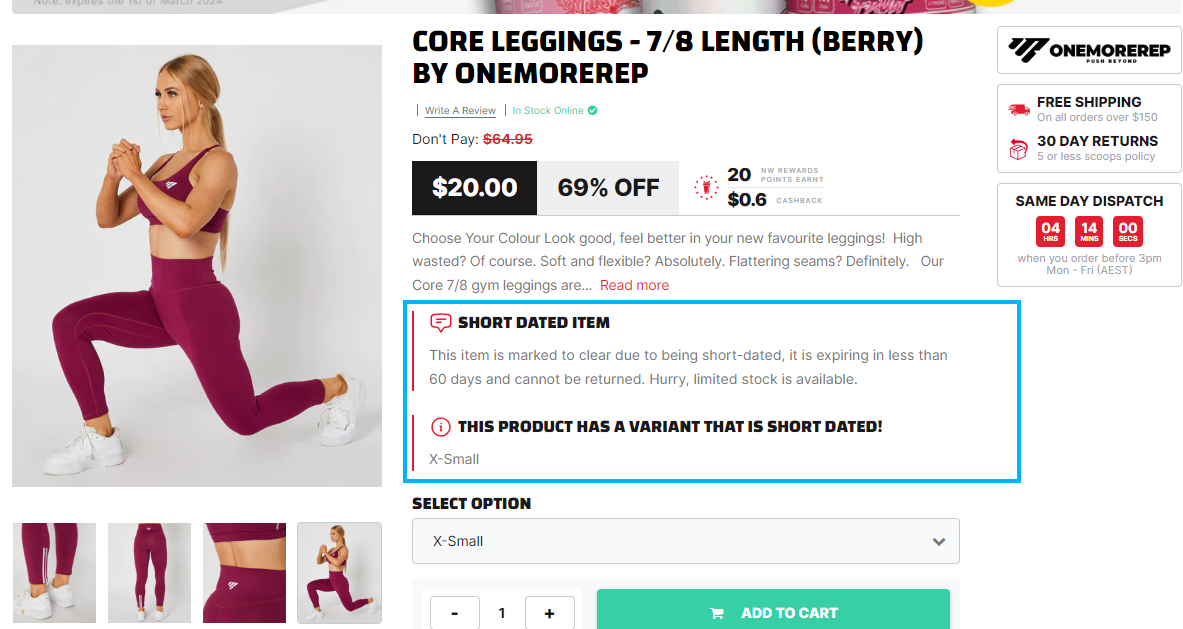
Nutrition Warehouse Variant Metafields
On our dedicated sales event features page, we offer a comprehensive overview of all the tools and options at your disposal. From website alterations to code snippets and schema settings, this resource provides you with the insights and guidance needed to make your sales events a resounding success. Explore how you can optimize your online presence, boost conversions, and enhance the customer shopping experience with these powerful features.
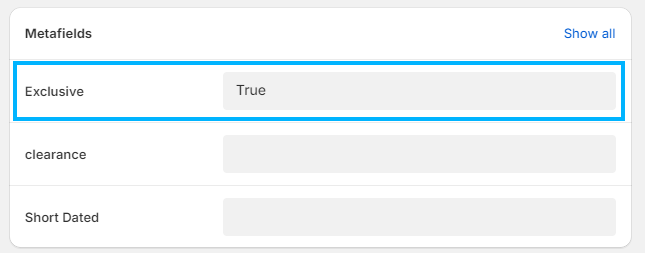
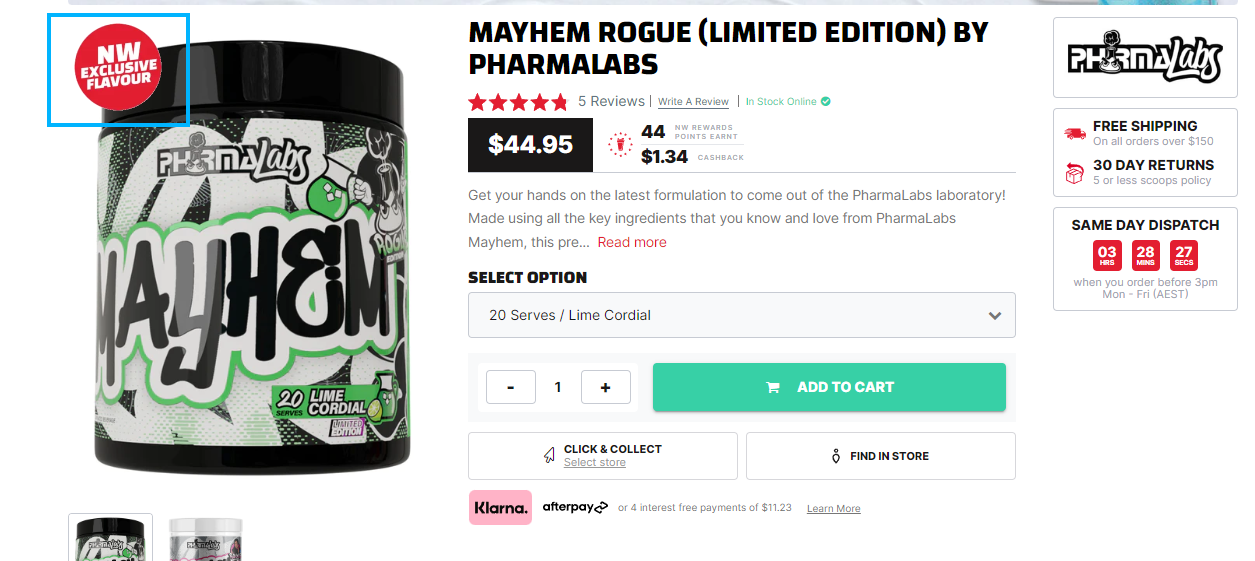
Variant Exclusive
Select the checkbox to display the exclusive badge at the Product Page/ Homepage Slider.
Metafield States
- Name
True- Type
- checkbox
- Description
Displays the exclusive badge at Product Page/ Homepage Slider.
- Name
False- Type
- checkbox
- Description
Hides the exclusive badge info at the Product Page/ Homepage Slider.
Metafield Settings
Preview
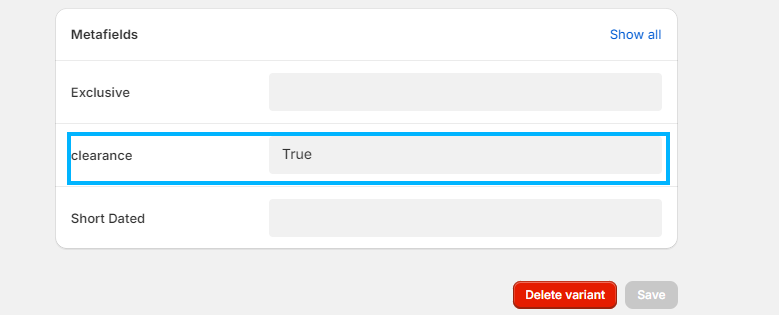
Variant Clearance
Select the checkbox to display the clearance info at the Product Page.
Metafield States
- Name
True- Type
- checkbox
- Description
Displays the clearance info at the product page.
- Name
False- Type
- checkbox
- Description
Hides the clearance info at the product page.
Metafield Settings
Preview
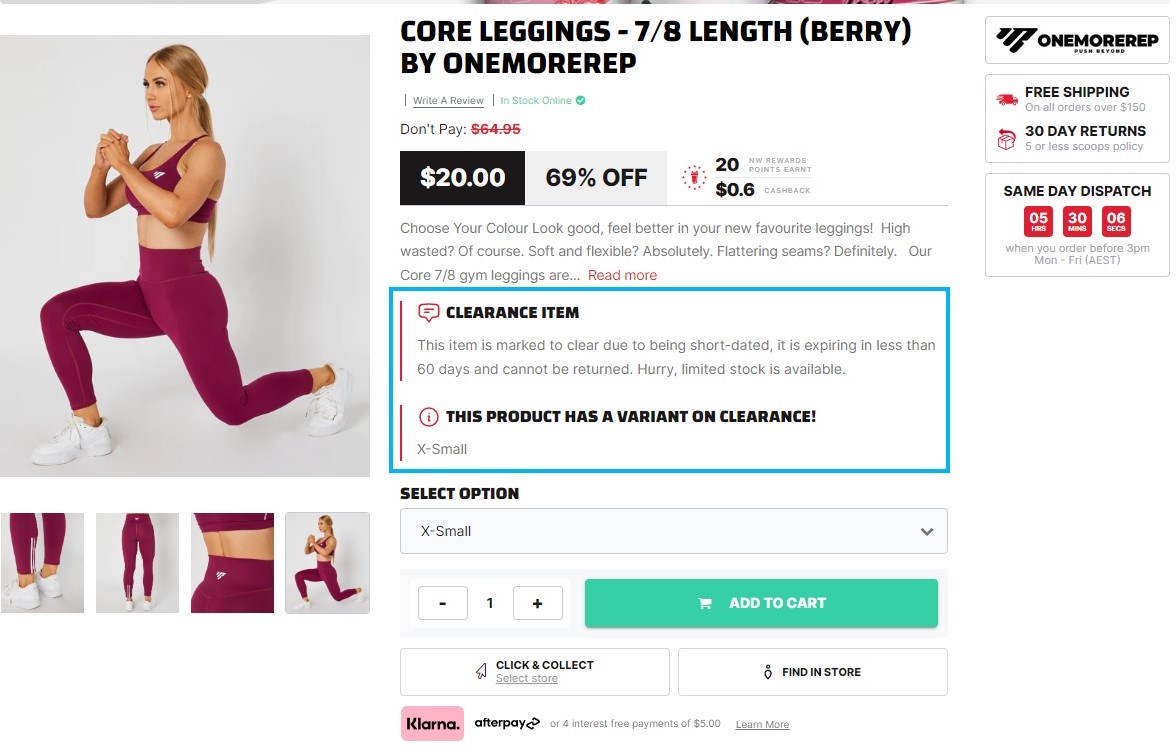
Variant Short Dated
Select the checkbox to display the short dated info at the Product Page.
Metafield States
- Name
True- Type
- checkbox
- Description
Displays the short dated info at the product page.
- Name
False- Type
- checkbox
- Description
Hides the short dated info at the product page.
Metafield Settings
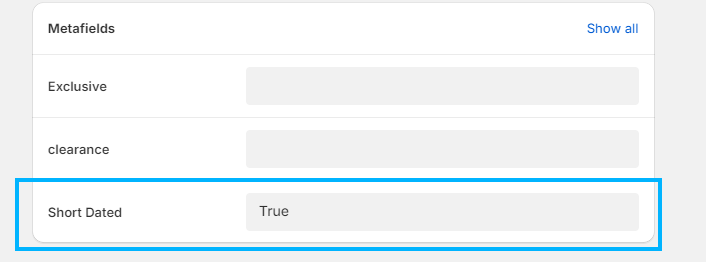
Preview